Lighting, switches and buttons
Documentation guideDocumentation reviewed .
Jump to a section
Make lights easy for guests to use, even when a phone or voice service is unavailable.
Products to compare
A bulb, a wired dimmer and a wireless remote solve different problems. Start with the job you want done.
Based on manufacturer documentation.
| What you want | Start with |
|---|---|
| Color and dimming without rewiring | Tapo L535E — US single bulb ↓ |
| A familiar wall paddle for a lighting circuit | Lutron Diva Smart Dimmer — Caséta ↓ |
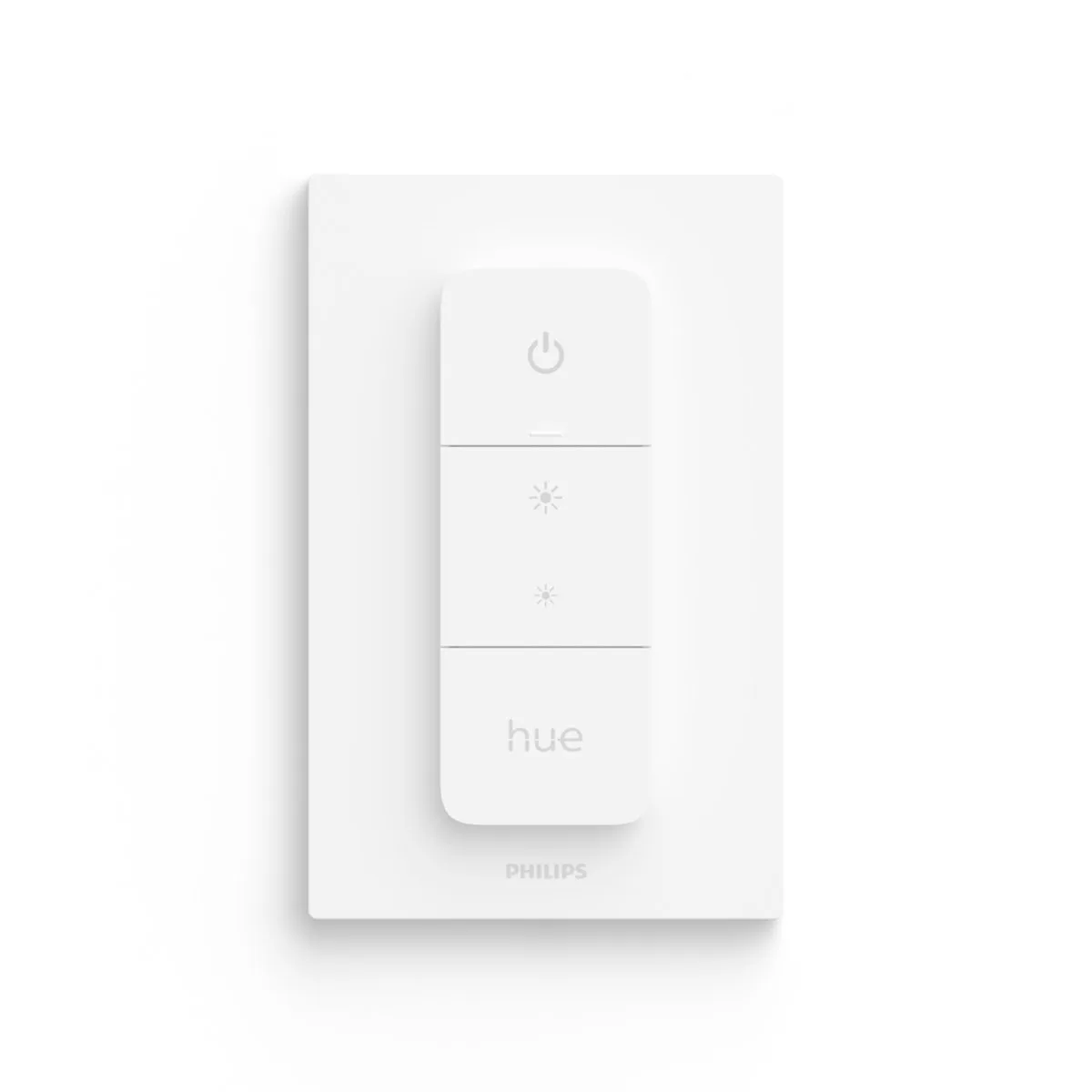
| A physical control for existing Hue lights | Philips Hue Dimmer Switch — 046677562779 ↓ |
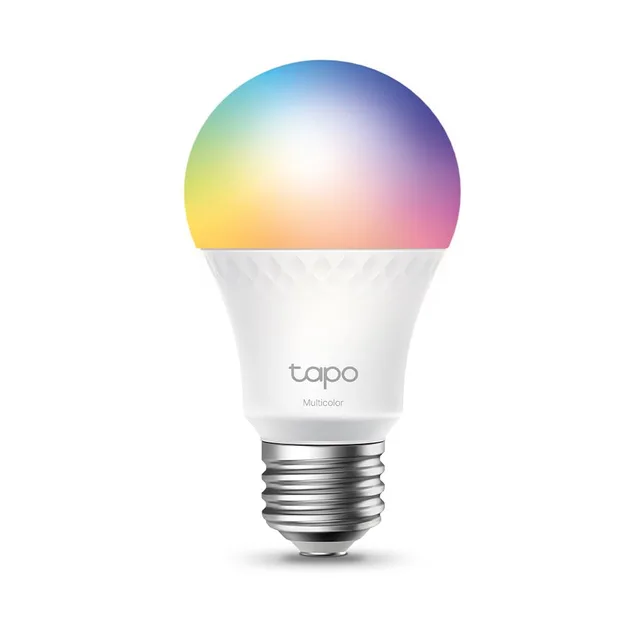
Good for: Color and dimming without rewiring
Tapo L535E — US single bulb
A Matter-capable color bulb for one compatible lamp or light fitting. The manufacturer US store sells this exact single-bulb model.
- Before you buy
- Use 2.4 GHz Wi-Fi. Tapo app setup needs no extra hub; Matter integration needs a compatible controller. Keep wall power on and do not use a mains dimmer.
- The tradeoff
- An ordinary wall switch can cut its power and connection. Match the regional bulb base and fixture before buying.
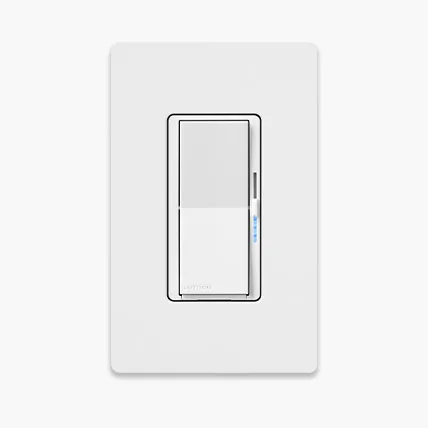
Good for: A familiar wall paddle for a lighting circuit
Lutron Diva Smart Dimmer — Caséta
A wired paddle-style dimmer for compatible conventional dimmable lights, with a physical brightness slider.
- Before you buy
- Match the exact dimmer variant, wiring and bulb load before installation. Connected app and voice control use a Caséta Smart Hub. Use qualified installation when needed.
- The tradeoff
- Electrical installation is required. The standard Diva smart dimmer and ELV+ variant are different products; choose from the manufacturer’s model selector.
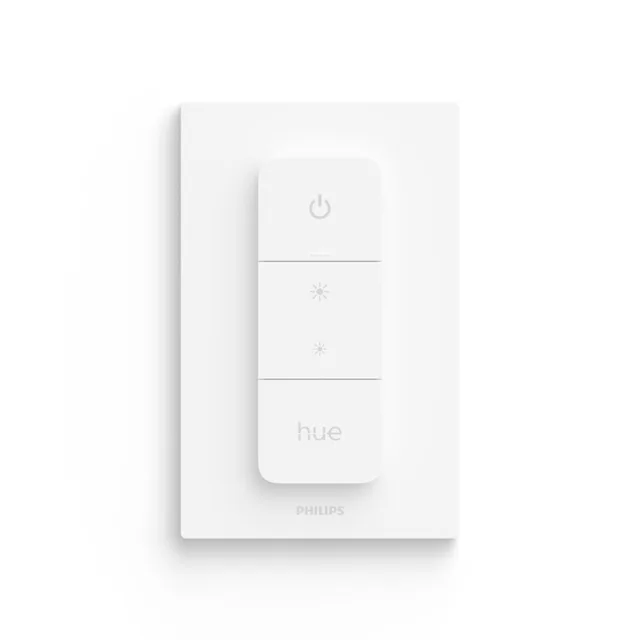
Good for: A physical control for existing Hue lights
Philips Hue Dimmer Switch — 046677562779
A battery-powered remote you can mount on the wall or lift off to use by hand.
- Before you buy
- Hue lights are required. A Hue Bridge is needed to customize the button actions; this is a wireless remote, not a mains dimmer.
- The tradeoff
- It controls Hue lighting, not ordinary bulbs or an unrelated lighting circuit.
Plan your setup
Bulb or switch?
A smart bulb is useful for color and rental-friendly setup, but it generally needs power left on at the wall. A smart wall switch can control a whole lighting circuit, but requires electrical compatibility with the wiring and connected load. Check neutral requirements, three-way arrangements, dimmable bulb type and minimum load. Use qualified installation where required.
Choose a physical control
A wireless button or dimmer lets guests control lighting without your account. Philips Hue’s current dimmer is a battery-powered wireless accessory; it is not a mains dimmer. Check which actions your controller exposes. Mount controls where people naturally reach, and avoid leaving a confusing ordinary switch that cuts power to every smart bulb.
Check the exact Hue generation
Hue’s current range includes bridge-based Matter support and newer directly connected Matter bulbs. A legacy Hue bulb should not be assumed to have the new radio or every current feature. Color, white ambiance and plain dimmable white are distinct choices. A bridge can also enable brand-specific lighting features that a generic integration does not expose.
Test the failure cases
Create a simple sunset schedule and test an ordinary on/off button first. Then test after a power outage and without internet. Check power-on behavior so bedroom lights do not unexpectedly come on at full brightness. Avoid motion rules that leave someone in darkness while sitting still.
Sources and scope
Reviewed against documentation on October 3, 2026. No new hands-on testing.
More manufacturer notes
These examples establish product identity and selected documented capabilities, not a hands-on ranking. Confirm the exact regional model, support period and retailer SKU before buying.
Philips Hue dimmer — current model
A battery-powered wireless control for Hue lights.
Check: It is an indoor remote, not a mains load dimmer. Check bridge and button-action support for your setup.