Start a smart home that stays simple
Documentation guideDocumentation reviewed .
Jump to a section
Solve one daily annoyance first. Pick a platform, check the exact product, and keep a way to use it by hand.
Products to compare
Concrete examples to help you choose a setup. Start with the fit and requirements, then check the exact model before buying.
Based on manufacturer documentation.
Good for: An Apple Home starting point
HomePod mini as an Apple home hub
Apple lists HomePod mini among home-hub options for Apple Home; its current hub instructions cover Thread accessories.
- Before you buy
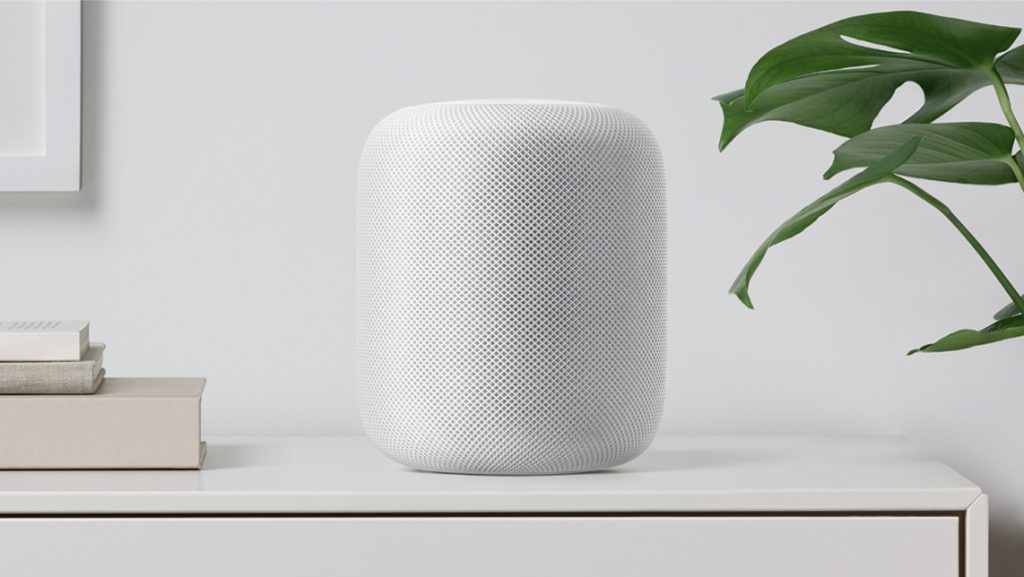
- Use Apple’s current software, account and setup requirements. The original full-size HomePod article describes another generation.
Plan your setup
Choose the job before the gadget
Write down one useful outcome: a lamp that comes on at sunset, a leak alert under the sink, or a door you can unlock without handing out permanent keys. Start with one room and one or two devices. A rental-friendly plug or bulb is easier to reverse than a wired switch. Set a budget for the complete system, including hubs, subscriptions, installation and replacement batteries.
Choose your main controller
Apple Home, Alexa, Google Home and Home Assistant organize accessories differently. Use the phones and speakers your household already owns as a starting point, then check the exact accessory’s supported platform and region. A voice-assistant logo may mean a cloud integration; it is not proof of local operation or Matter certification. Apple remote access and automations require current home-hub setup.
Check four things before buying
Record the model number, transport (Wi-Fi, Thread, Zigbee, Z-Wave or Bluetooth), controller/hub requirements, and manufacturer support policy. Matter is an interoperability protocol; Thread is one network it can use. Do not buy an older generation based on the feature list of its replacement. Our older product pages are references, with corrections and unresolved questions clearly shown.
Prove the setup works
Add the device, name it plainly, and check manual control before making an automation. Test access from outside your home, then disconnect the internet briefly to see which functions remain local. Invite another household member using their own account. Keep setup codes and recovery instructions somewhere private. Expand only after the first device is useful and dependable.
Sources and scope
Reviewed against documentation on October 3, 2026. No new hands-on testing.
More manufacturer notes
These examples establish product identity and selected documented capabilities, not a hands-on ranking. Confirm the exact regional model, support period and retailer SKU before buying.
HomePod mini as an Apple home hub
Apple lists HomePod mini among home-hub options for Apple Home; its current hub instructions cover Thread accessories.
Check: Use Apple’s current software, account and setup requirements. The original full-size HomePod article describes another generation.