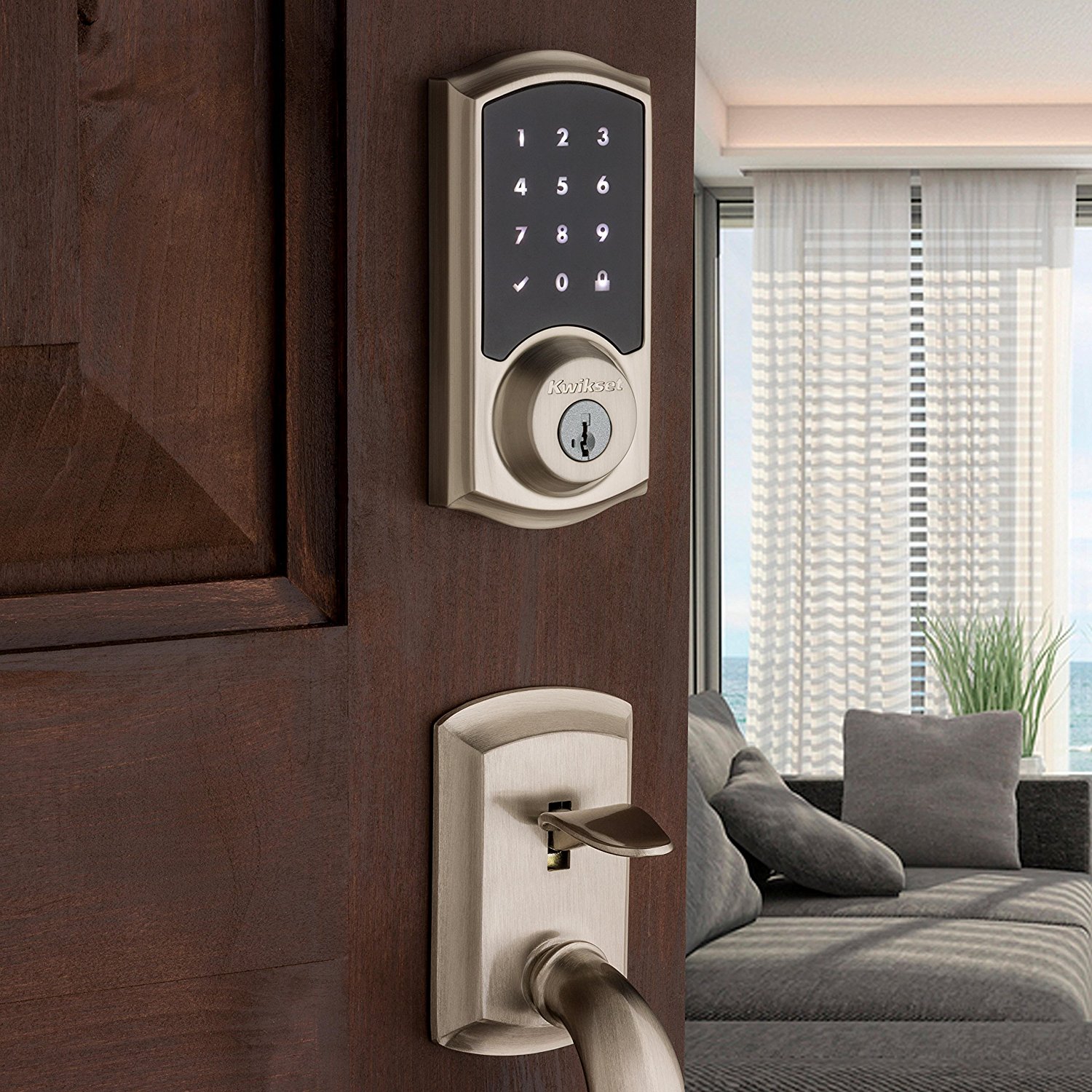
Locks and garage access
Documentation guideDocumentation reviewed .
Jump to a section
Start with mechanical fit and a backup access plan; connected features come after that.
Products to compare
Concrete examples to help you choose a setup. Start with the fit and requirements, then check the exact model before buying.
Based on manufacturer documentation.
| What you want | Start with |
|---|---|
| Apple home key with a compatible door | Schlage Encode Plus ↓ |
| Door access in a compatible Apple/Matter setup | Aqara Smart Lock U400 ↓ |
Good for: Apple home key with a compatible door
Schlage Encode Plus
Manufacturer-documented Apple home key support for tap-to-unlock.
- Before you buy
- Check door fit and your intended remote-control setup. Home key, HomeKit and Matter are separate capabilities.
Good for: Door access in a compatible Apple/Matter setup
Aqara Smart Lock U400
Matter over Thread, with Apple home key and manufacturer-documented UWB unlocking.
- Before you buy
- UWB requires specific compatible Apple devices, software and a Thread-enabled Apple home hub. Check the exact compatibility list; future wallet promises are not treated as shipping features.
Plan your setup
Fit and everyday access
Confirm door thickness, backset, alignment and existing deadbolt dimensions for the exact lock. A motor cannot fix a binding door. Decide whether you need a keypad, physical key, guest codes or a phone credential, and check which features are available without internet. Keep a working backup method outside the locked home.
Home key is not HomeKit or Matter
Schlage documents Apple home key for Encode Plus. Kwikset Premis is an older Bluetooth/HomeKit lock; that label does not mean it supports home key or Matter. Phone proximity alone does not prove automatic unlocking is supported or safe. Check the exact platform feature rather than buying by the word “Apple.”
Remote access and guests
Verify hub requirements and whether remote control uses a cloud service. Give temporary visitors their own expiring code when supported. Remove old codes, review household permissions and test a low-battery warning. A remote-unlock automation should require deliberate intent rather than a fragile location rule.
Garage safety and compatibility
myQ’s compatibility checker covers particular opener models and safety-sensor requirements. Do not assume every opener after a certain year is compatible. Preserve photoelectric sensors and safety reversal, then test the installation according to the opener instructions. Old Home Bridge marketing does not establish current native Apple Home integration. Check any fees for the actual partner feature you need.
Sources and scope
- Premis — official documentation
- Schlage — official documentation
- Apple — official documentation
- Myq — official documentation
Reviewed against documentation on October 3, 2026. No new hands-on testing.
More manufacturer notes
These examples establish product identity and selected documented capabilities, not a hands-on ranking. Confirm the exact regional model, support period and retailer SKU before buying.
Schlage Encode Plus
Manufacturer-documented Apple home key support for tap-to-unlock.
Check: Check door fit and your intended remote-control setup. Home key, HomeKit and Matter are separate capabilities.
Aqara Smart Lock U400
Matter over Thread, with Apple home key and manufacturer-documented UWB unlocking.
Check: UWB requires specific compatible Apple devices, software and a Thread-enabled Apple home hub. Check the exact compatibility list; future wallet promises are not treated as shipping features.